Welcome to NextGen Control Center
NextGen Control Center is your all-in-one platform for managing support tickets, tasks, projects, timesheets, contacts, and more. This guide will help you get the most out of every feature.
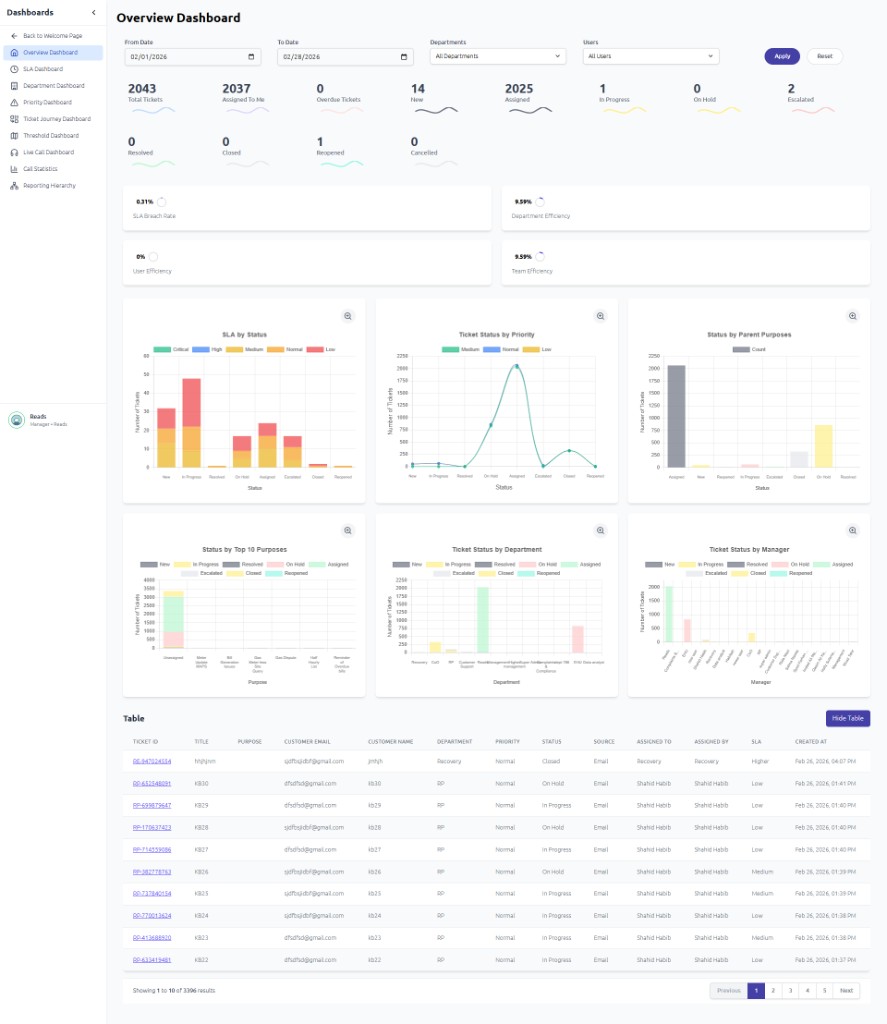
What Can You Do?
Manage Tickets
Create, assign, and resolve support tickets with SLA tracking
Plan Projects
Organize tasks, set dependencies, and track progress
Track Time
Log work hours and submit timesheets for approval
Monitor Calls
View call statistics, agent performance, and trends
Manage Contacts
Store customer info, companies, and communication history
Handle Documents
Upload, browse, and share files across your team
Who Is This Guide For?
This guide is for everyone who uses NextGen in their daily work:
- Agents — Handle tickets, respond to customers, log time
- Managers — Oversee teams, approve timesheets, review dashboards
- Administrators — Configure settings, manage users, set up automations
- Supervisors — Monitor performance, view analytics, manage queues
Quick Links
| I want to... | Go to |
|---|---|
| Log in for the first time | Logging In |
| Find my way around the dashboard | Dashboard & Navigation |
| Create or manage a ticket | Managing Tickets |
| Plan tasks and projects | Tasks & Projects |
| Log my work hours | Timesheet & Calendar |
| View call reports | Call Stats & Analytics |
| Manage users or settings | Settings & Configuration |
Need Help?
If you cannot find what you are looking for, use the search bar at the top of the page to quickly find any topic.